Step 1: Choose the PDF to trim
Supports common A4-style documents. For stability, it is recommended to keep files under 50MB.
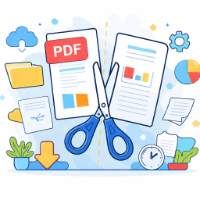
Step 2: Select pages to delete
Click a page number below to mark it for deletion. Click again to unselect.
Currently selected 0 page(s) to be removed from the original PDF.
Note: the original file is never modified. A new PDF with the selected pages removed will be generated for download.
Tip: this tool operates entirely in your browser’s memory without uploading files. For “keep specific pages only” scenarios, you can simply select all pages you do not need and delete them.
A trimmed PDF has been generated. Click the button on the right to download it.