Image list
Use the up/down buttons to adjust order; drag-and-drop can be added later.
Page settings
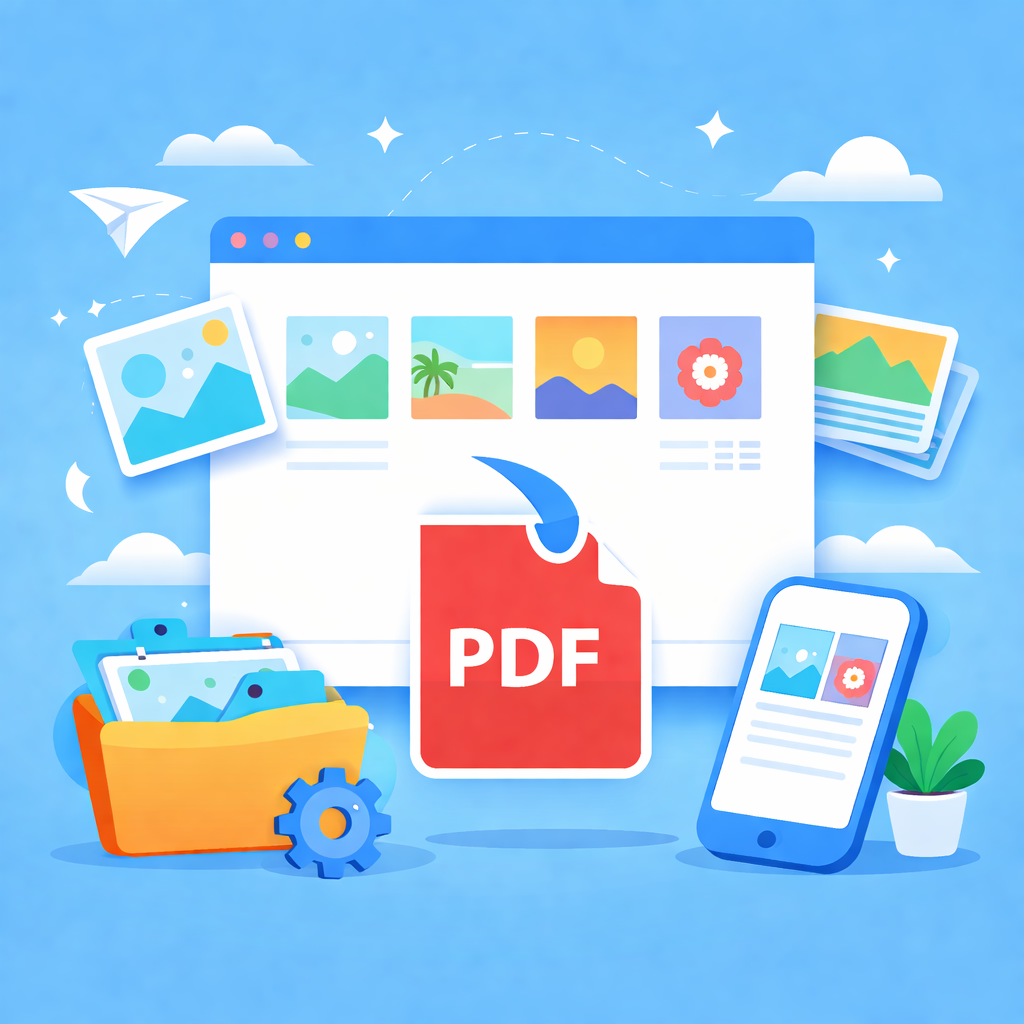
Tip: This tool generates PDF locally in your browser without uploading images. To preserve JPEG size advantages, upload JPG/JPEG (embedded directly); other formats are converted to PNG before embedding.
How to Use
- Add Images: Click "Select images" or drag and drop files (JPG, PNG, GIF, etc.) onto the page.
- Reorder: Use the up/down arrows in the list to adjust page order, or click "Sort by name".
- Page Settings: Choose A4, Letter, or Auto (based on image size). Select Fit Mode (Contain/Cover) and customize margins.
- Generate & Download: Click "Generate PDF" and download the file once processing is complete.
Tips & FAQ
- Local Processing: This tool generates PDF files entirely within your browser using WebAssembly. No images are uploaded to any server.
- Format Optimization: JPG images are embedded directly to preserve quality and reduce file size. Other formats (PNG, WebP) are automatically converted for compatibility.
- Flexible Layout: To make each image fill a page exactly without whitespace, select "Auto by image size (DPI)" mode and set margins to 0.