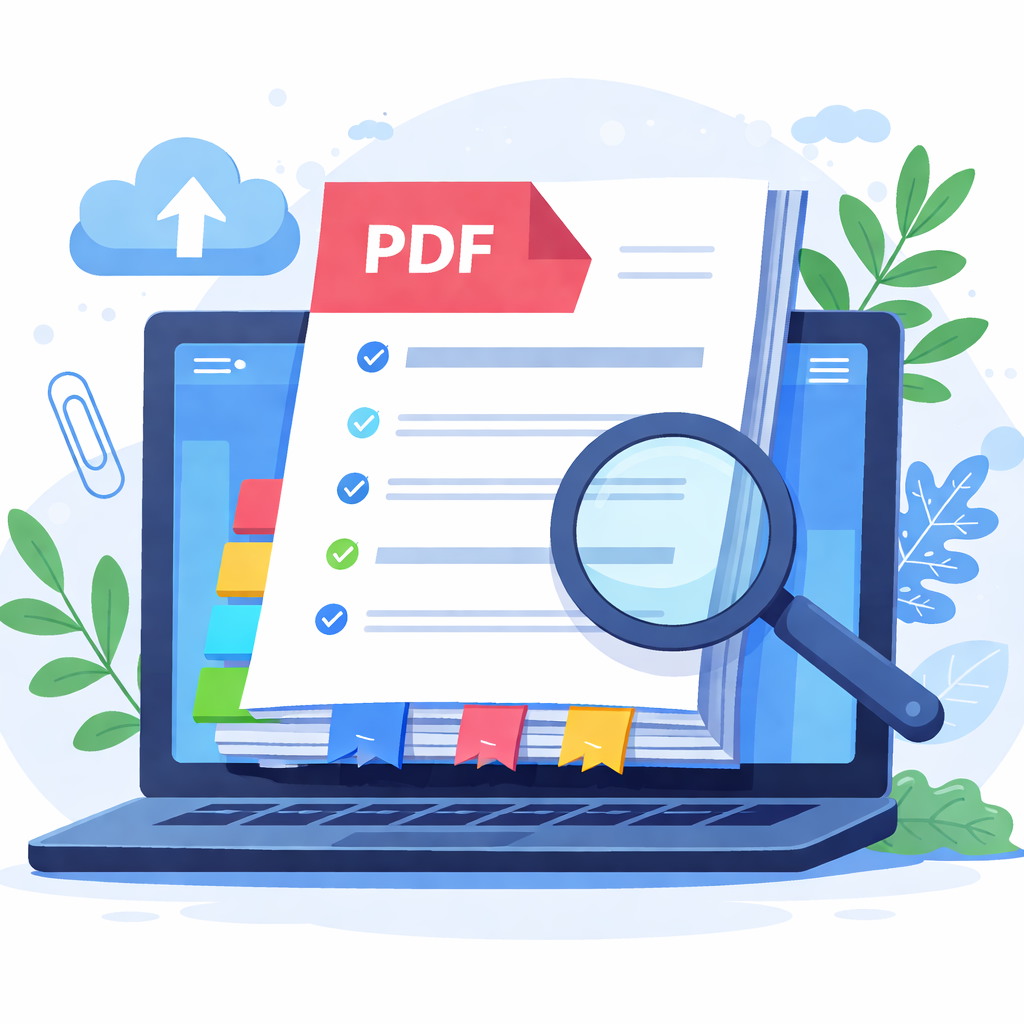
Upload a PDF, then type one line per entry with the page number and title (for example, "1 Cover" or "1: Cover"). The tool will build TOC pages and insert them into the document.
Note: this tool cannot automatically detect heading levels from the PDF contents. It is recommended to prepare a clean list of "page number + title" from your bookmarks or outline before generating the TOC.
TOC content
Line format: page number + TAB + title, or "page: title". Common "title page" lines are also supported.
Settings
Output
Download with-toc.pdf
No TOC-enhanced PDF has been generated yet.
Tip: generated TOC pages follow the original page size. The current implementation only supports Latin characters (ASCII) for the TOC text, so non‑Latin characters are omitted in the TOC while the original PDF content remains untouched.