Images to PDF
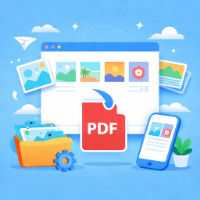
Merge multiple images into a single PDF with page size, DPI, margin and background color control, all generated locally in your browser with zero uploads.
Lightweight PDF Compressor
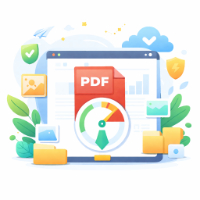
Rewrite and optimize PDF structure locally to try reducing file size.

PDF Encryption
Encrypt PDFs to JSON and decrypt them back locally using AES-256-GCM.

PDF Page Extractor
Extract selected PDF pages to a new PDF or per-page ZIP locally.
PDF Page Merger
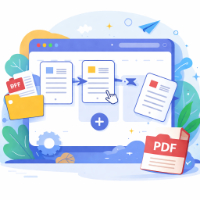
Merge and reorder multiple PDFs locally with per-file page ranges.

PDF Page Rotator
Rotate all or selected PDF pages by 90/180/270 degrees locally.
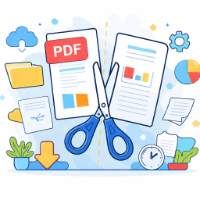
PDF Splitter
Split or extract PDF pages locally in your browser with no uploads.
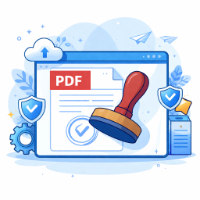
PDF Stamp / Watermark
Stamp or watermark PDFs locally in your browser with no uploads.
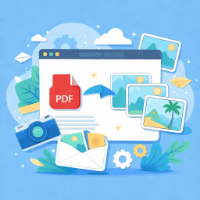
PDF to Images
Convert PDF pages to PNG/JPG images and download as a ZIP with adjustable page range and render scale, processed fully in the browser.
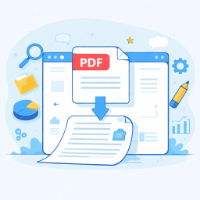
PDF to Text
Extract text from PDFs locally and export as TXT or ZIP, with no uploads.
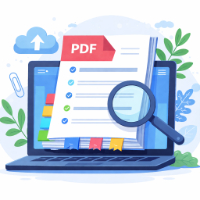
PDF TOC Generator
Generate TOC pages for your PDF from a “page number + title” list and insert them locally without uploads.
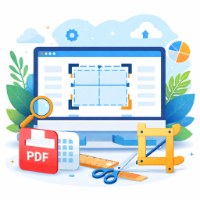
PDF Page Trimming
Remove pages from a PDF locally in your browser and download a slimmer copy without uploads.
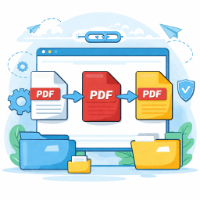
PDF merge
Merge multiple PDF files locally in your browser with ordering and page ranges.
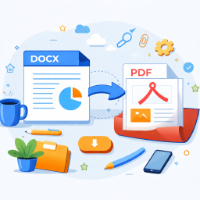
DOCX Viewer
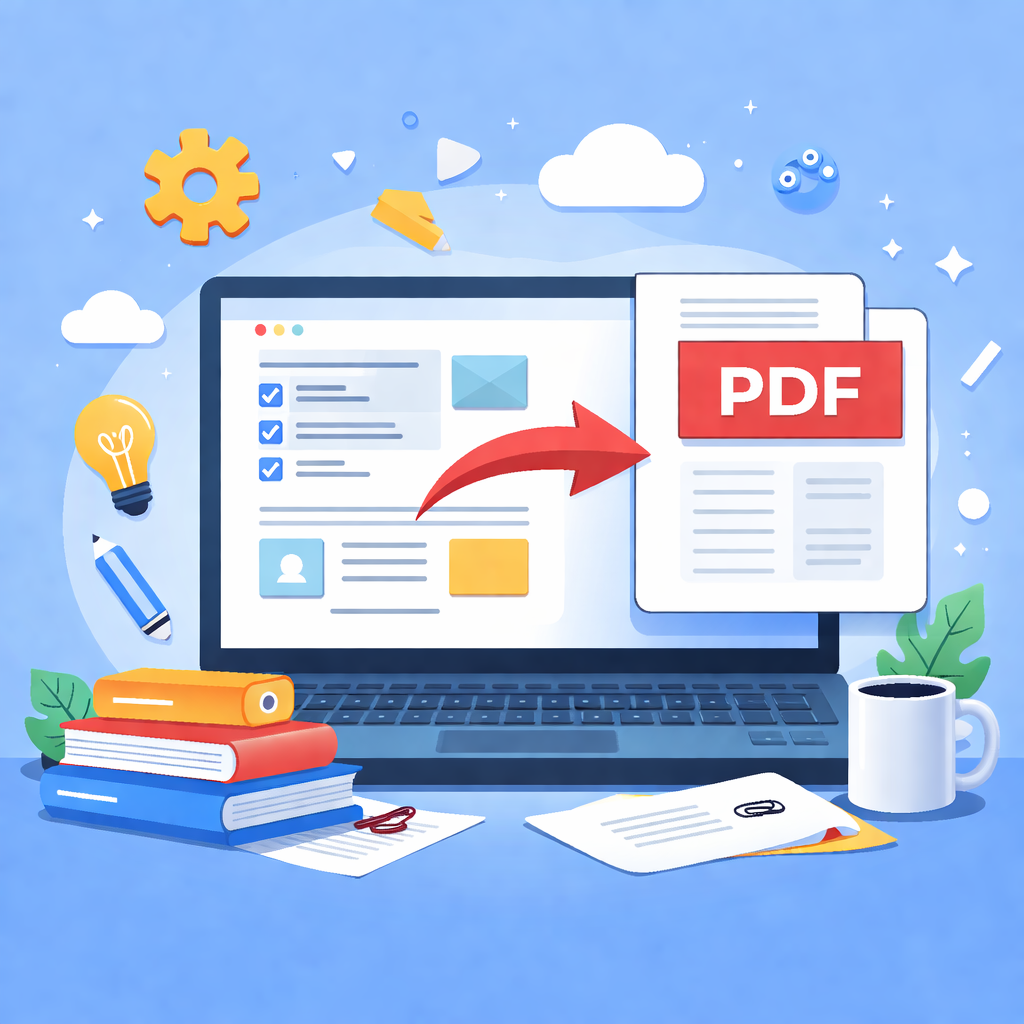
Preview .docx files and print / save them as PDF directly in your browser with no uploads.