SVG Input
Choose SVG file or drop here
Supports .svg / image/svg+xml; you can also drop SVG code snippets.
SVG Examples
Conversion Options
Size
SVG Preview
Conversion Result
Format:
PNG
Size:
0 × 0
Quality:
90%
Background:
transparent
Tip: SVG is resolution-independent. After converting to bitmap, pick a suitable resolution for your use case.
How to Use
- Click 'Choose SVG file' to upload, or paste SVG code directly into the text area.
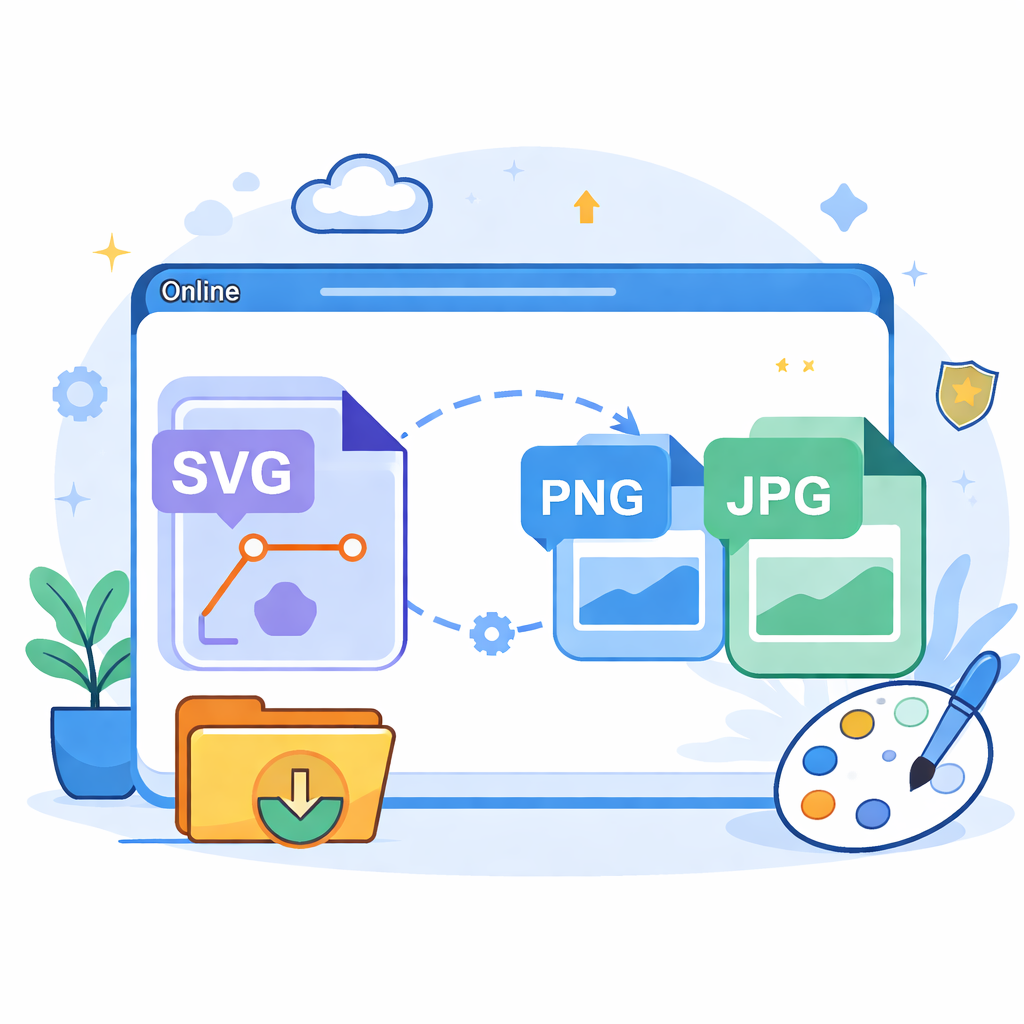
- Set the output format (PNG/JPG) and image dimensions in the 'Conversion Options' panel.
- Adjust background color (Transparent/White/Custom) and quality if needed.
- Click 'Convert image' to preview, then 'Download image' to save the result.
Tips & Tricks
- Privacy First: All conversions happen locally in your browser. No files are uploaded to any server.
- Size Matters: SVGs are vector-based and scale infinitely. Set a large enough width/height (e.g., 1024px) for high-quality output.
- Backgrounds: SVGs often have transparent backgrounds. For JPG, use a white background to avoid black artifacts; for PNG, transparency is preserved.