Step 1: Choose an image to crop
Supports common formats such as JPG, PNG and WebP. Files are processed in memory only and never leave your device.
🖼️
Drag an image here or click to select
Supports common image formats. For stability, images larger than 30MB are not recommended.
Usage & Tips
- Upload Image: Click the upload area or drag & drop an image file (JPG/PNG/WebP, etc.).
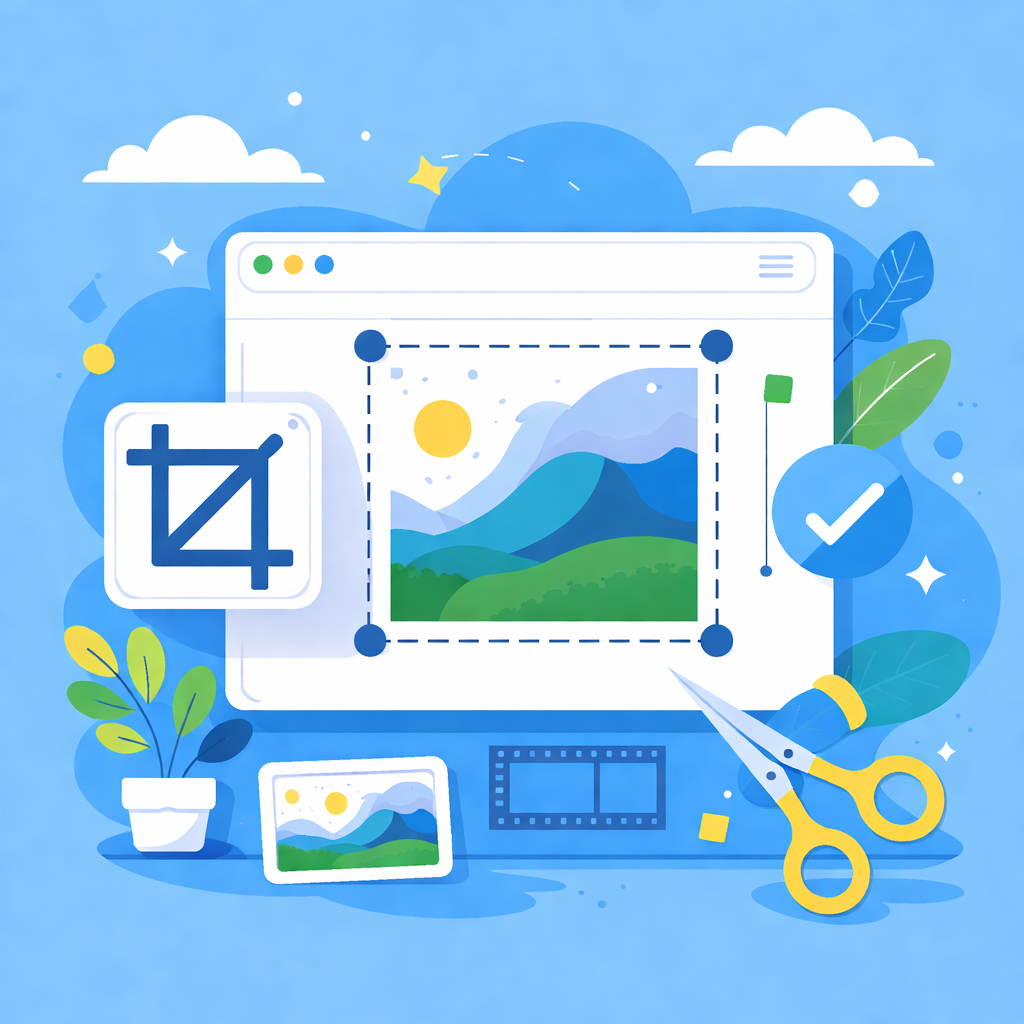
- Select Region: Drag on the image to draw a crop box, or enter precise coordinates on the left.
- Adjust: Lock aspect ratio (e.g., 1:1, 16:9) or crop freely. Use mouse wheel to zoom.
- Export: Click 'Export current' or 'Export all', then download your cropped images (ZIP supported).
Cropping Tips
- Local Processing: All operations run locally in your browser. No files are uploaded to any server.
- Format Support: Supports common formats. You can export as PNG/JPG/WebP/BMP/ICO/GIF.
- Shortcuts: Enter to confirm region, Delete to remove current region, Esc to cancel selection.