

ICNS Generator
Convert a single image into a macOS ICNS icon file with multiple sizes, processed locally in your browser.

ICO Generator
Generate Windows-compatible ICO icon files from a single image, with all processing done locally in your browser.

Image Compressor
Compress common image formats with adjustable quality and instant size comparison, all processed locally in your browser.
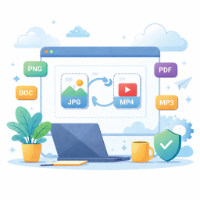
Image Converter
Convert images between popular formats such as JPG, PNG, WebP, BMP, ICO and GIF directly in your browser with no uploads.

Image Cropper
Crop images with zoom, pan and multiple regions, exporting lossless PNGs locally with no uploads.

Image Resizer
Resize images to an exact pixel size using contain or stretch modes, exporting a PNG locally in your browser with zero uploads.

Screenshot Annotator
Annotate screenshots with pen, rectangles, arrows and text, then export PNG locally in your browser with no uploads.

Seal Extractor
Extract red seals from scanned documents into a transparent PNG stamp, with local-only processing and adjustable detection parameters.

Sprite Sheet
Merge multiple images into a sprite sheet PNG with configurable width and padding, and export JSON coordinates plus ready-to-use CSS for frontend asset optimization.
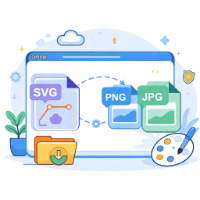
SVG to Image
Convert SVG graphics to PNG or JPG locally with custom size and background, without uploading any files.

Image upscaler
Upscale images by 2×/3× with RealCUGAN AI when available, or fall back to high‑quality resize for compatibility, all running locally with zero uploads.
Batch Image Resizer
Resize multiple images in one run with per-file preview, remove controls, and ZIP download organized by target dimensions.

QR Code generator
Generate QR codes locally with adjustable size, margin, error correction and colors. Download PNG files directly.

Bulk QR generator
Generate many QR code PNGs at once and download them as a ZIP. All processing runs locally in your browser.

QR Decoder
Upload a QR image and decode its content locally in your browser with one-click copy.

QR Scanner
Use your camera to scan QR codes in real time, decode locally and copy or open links.