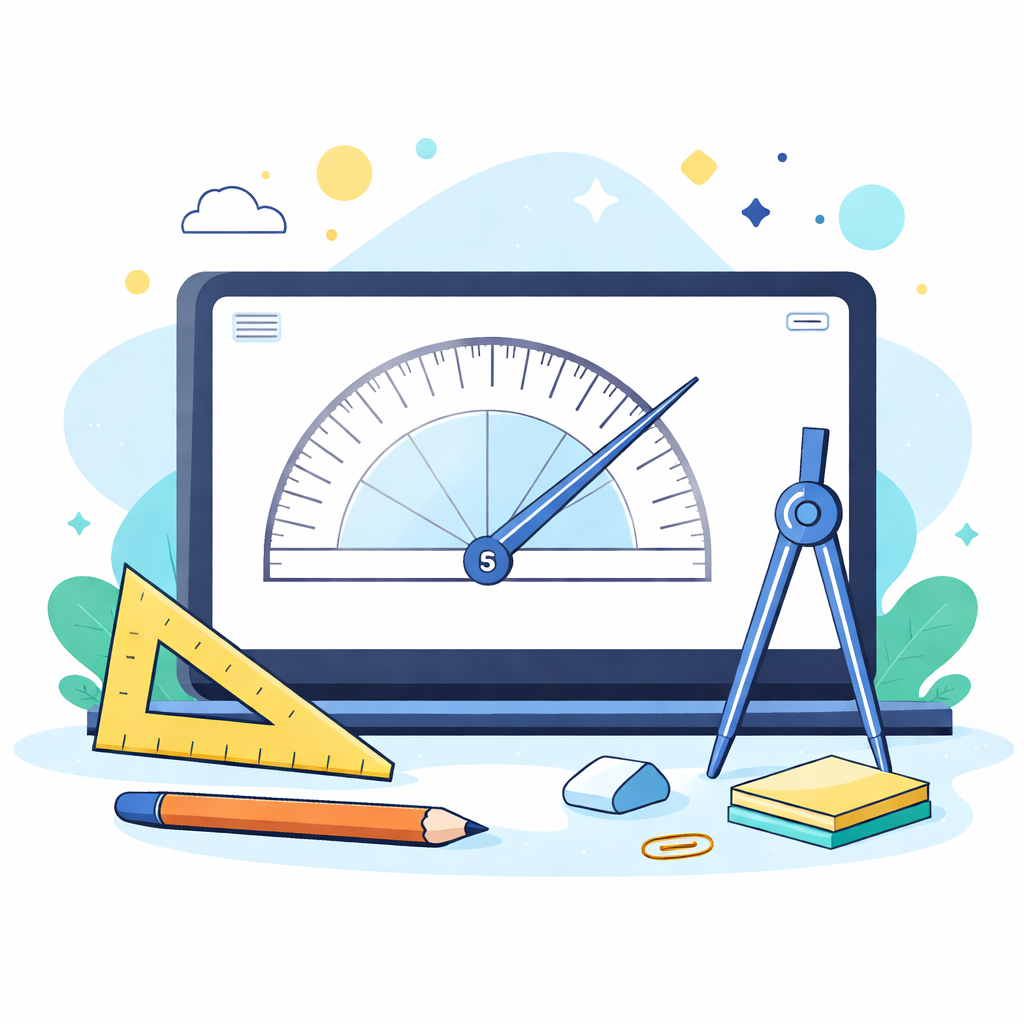
Drag the endpoints of the two rays to measure the angle between any two directions on your screen.
Measurement
-
Reflex angle:
-
Settings
Designed for on-screen angle measurements. It does not guarantee perfect alignment with physical rulers (display scaling affects lengths, but not the angle itself).
How to Use
- Drag the endpoints of the two rays in the protractor area to adjust the angle.
- The center area displays the current angle reading.
- Click the '90°', '60°', '180°' buttons to quickly preset common angles.
- The right panel shows the precise angle and reflex angle (360° - angle).
- Adjust the 'Ray length' slider to resize the protractor for different screen needs.
Tips & Tricks
- Local Processing: All calculations happen locally in your browser, ensuring privacy.
- Screen Measurement: Designed for on-screen measurements, perfect for photos, designs, or web elements.
- Responsive: Works smoothly on mobile devices with touch support.