JSON input
All JSON is parsed and converted locally in your browser. Nothing is uploaded.
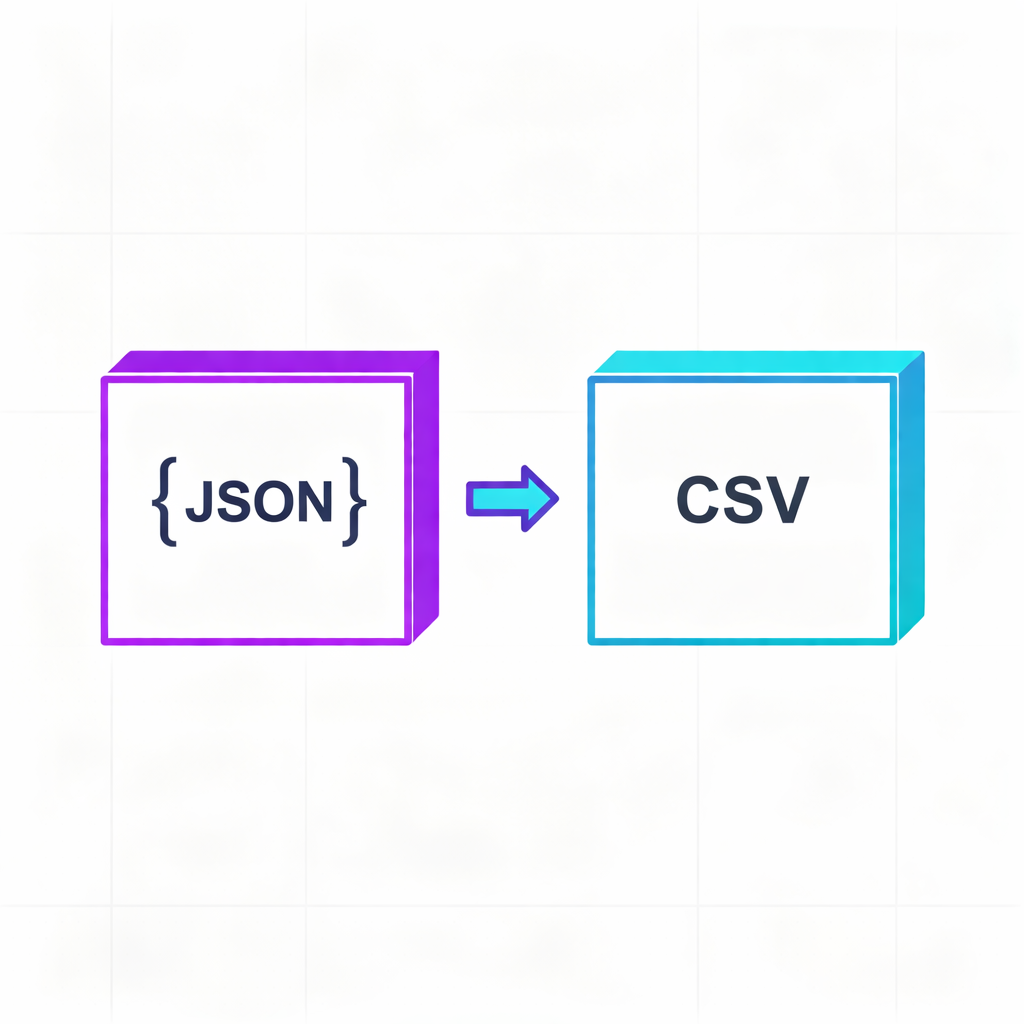
Nested objects are flattened into multiple columns and complex values are JSON-stringified so you can later convert them back to JSON safely.
CSV output
Usage & Instructions
- Paste your JSON data into the "JSON Input" box (array of objects recommended).
- Set the delimiter (Comma, Tab, Semicolon) and whether to include a header.
- Optionally check "Quote all cells" to force double quotes around all fields.
- The CSV content is generated automatically on the right. You can copy it or download the `.csv` file.
Tips
- Local Processing: All conversion logic runs in your browser. No data is uploaded, ensuring privacy.
- Flattening: Nested objects (e.g., `a.b.c`) are automatically flattened into multiple columns. Complex types like arrays are stringified as JSON within the cell.
- Excel Compatible: The default CSV uses comma separators and opens directly in Excel. If you see encoding issues, try downloading the file (BOM is automatically added).