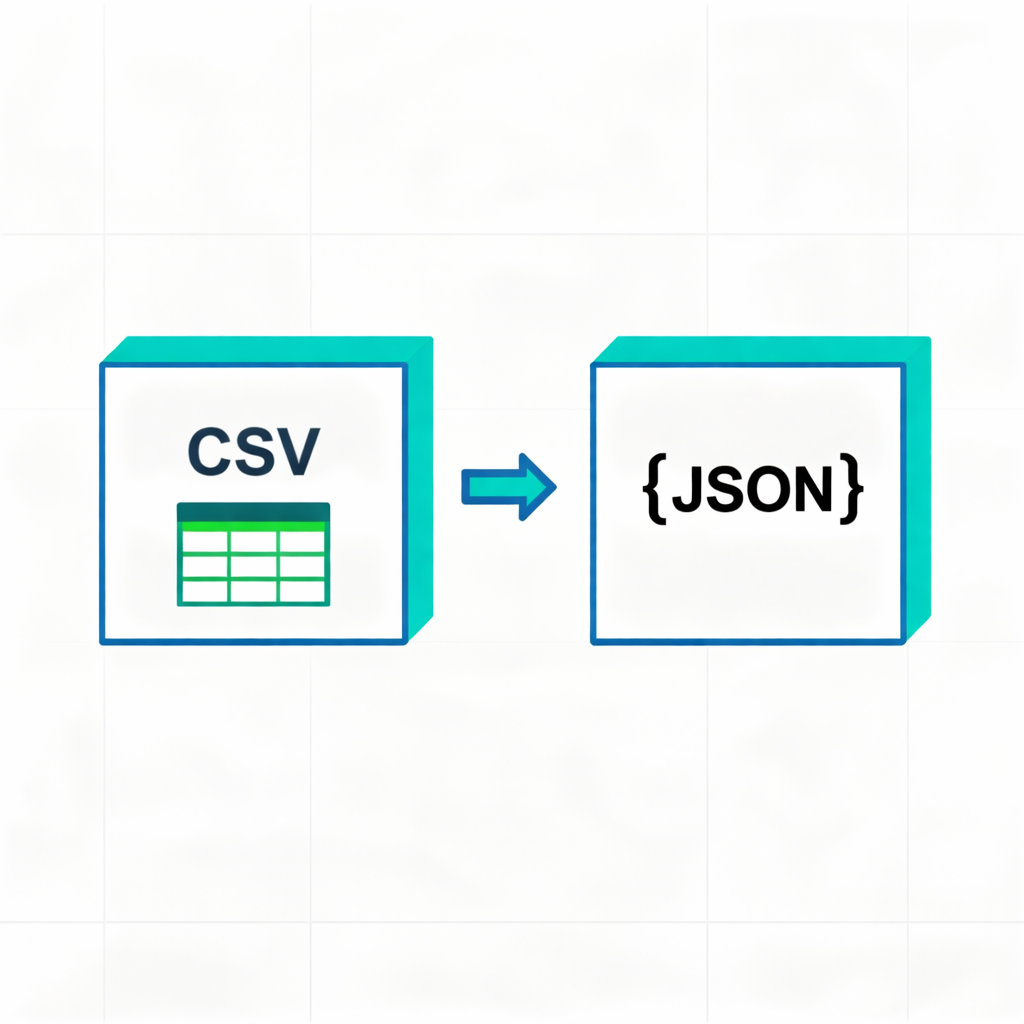
CSV input
Hint: Auto mode will try common delimiters like comma, tab, semicolon and pipe.
All CSV text is parsed and converted locally in your browser. Nothing is uploaded.
JSON output
How to Use CSV to JSON Converter
- Enter or paste CSV data into the left textarea.
- Or click 'Choose CSV file' to load a local file.
- Set the delimiter (Auto mode is recommended).
- Check 'First row as header' if the first line contains field names.
- The converted JSON will appear in real-time on the right.
- Click 'Copy JSON' or 'Download JSON' to get the result.
Tips
- Supports auto-detection of common delimiters (comma, semicolon, tab, etc.).
- If 'First row as header' is checked, the output is an array of objects; otherwise, it's an array of arrays.
- All conversions are done locally to protect your data privacy.