No file selected yet.
How to Use
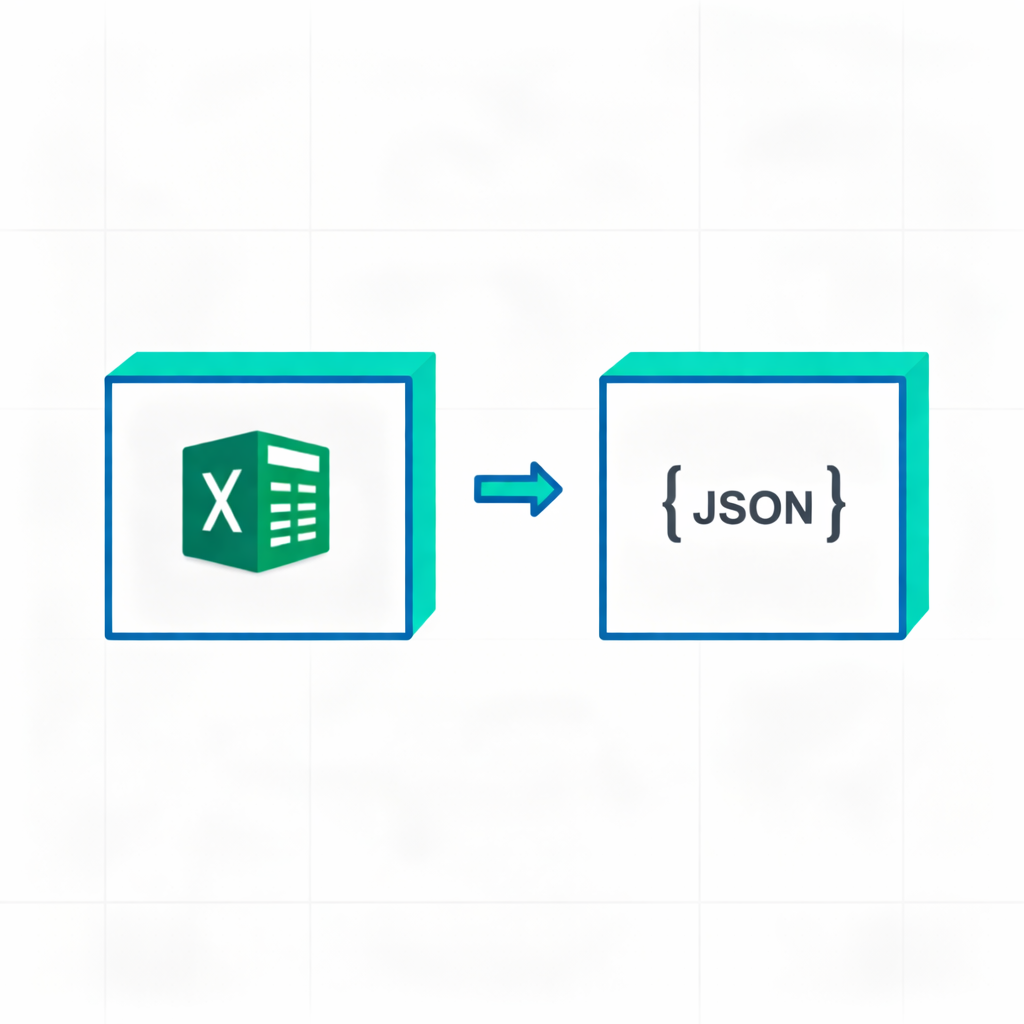
- Click 'Choose .xlsx' to upload the Excel file you want to convert.
- Select the sheet to convert (defaults to the first one).
- Configure output options like output mode (array of objects or 2D array) and others (e.g., first row header, skip empty rows).
- The converted JSON data will appear instantly on the right.
- Click 'Copy JSON' or 'Download JSON' to save the result.
Tips
- 'Array of objects' mode converts each row into an object, using the first row as keys.
- '2D array' mode converts the entire sheet into an array of arrays (Matrix).
- All parsing and conversion happens locally in your browser. Your files are never uploaded, ensuring data privacy.
- Cells with formulas are supported; the tool attempts to export their calculated values.