Strip HTML tags
Input (HTML)
Output (plain text)
Usage Guide
- Paste text containing HTML tags into the input box on the left.
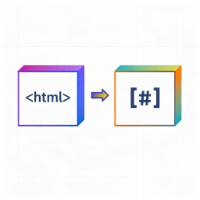
- The tool automatically removes all HTML tags (like <p>, <div>, <br>), keeping only plain text.
- Click 'Copy result' to copy the processed text to your clipboard.
Tips
- This tool runs entirely in your browser; no data is uploaded to any server.
- Automatically converts HTML entities (e.g., , <) to their corresponding characters.
- Preserves basic line breaks after stripping tags for better readability.