CSV input
Hint: Auto mode will try common delimiters like comma, tab, semicolon and pipe.
All CSV text is parsed and converted locally in your browser. Nothing is uploaded.
YAML output
How to use
- Enter or paste CSV data into the left text box.
- Or click 'Choose CSV file' to upload a local file.
- Set the delimiter (Auto mode is recommended).
- Check 'First row as header' if the first line contains field names.
- The converted YAML result will appear instantly on the right.
- Click 'Copy YAML' or 'Download YAML' to get the result.
Tips
- The tool automatically detects common delimiters like comma, tab, semicolon, and pipe.
- Check 'Skip empty lines' to filter out blank rows from the CSV.
- All processing is done locally in your browser, ensuring data privacy.
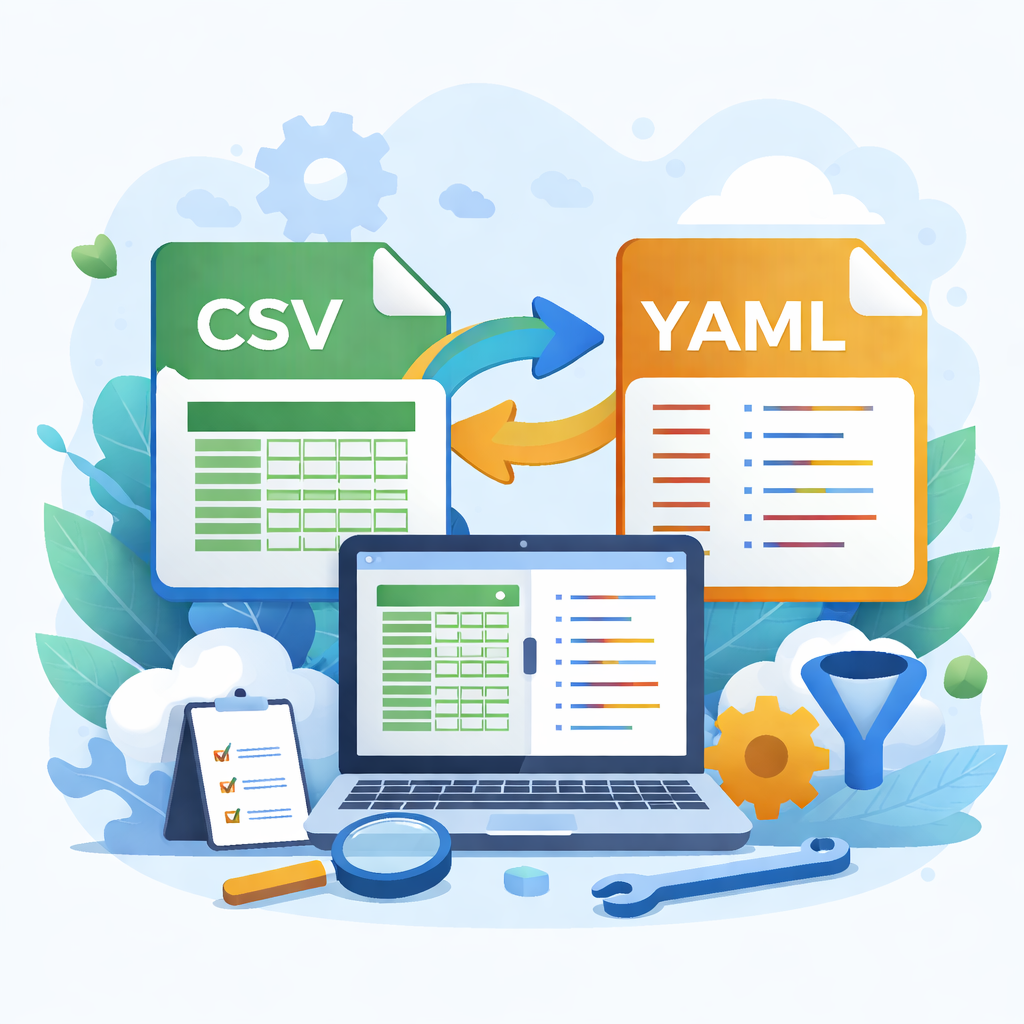
- YAML format is human-readable and great for configuration files.