CSV input
Export settings
All CSV and Excel files are parsed and converted locally in your browser. Nothing is uploaded.
How to Use CSV ↔ Excel Converter
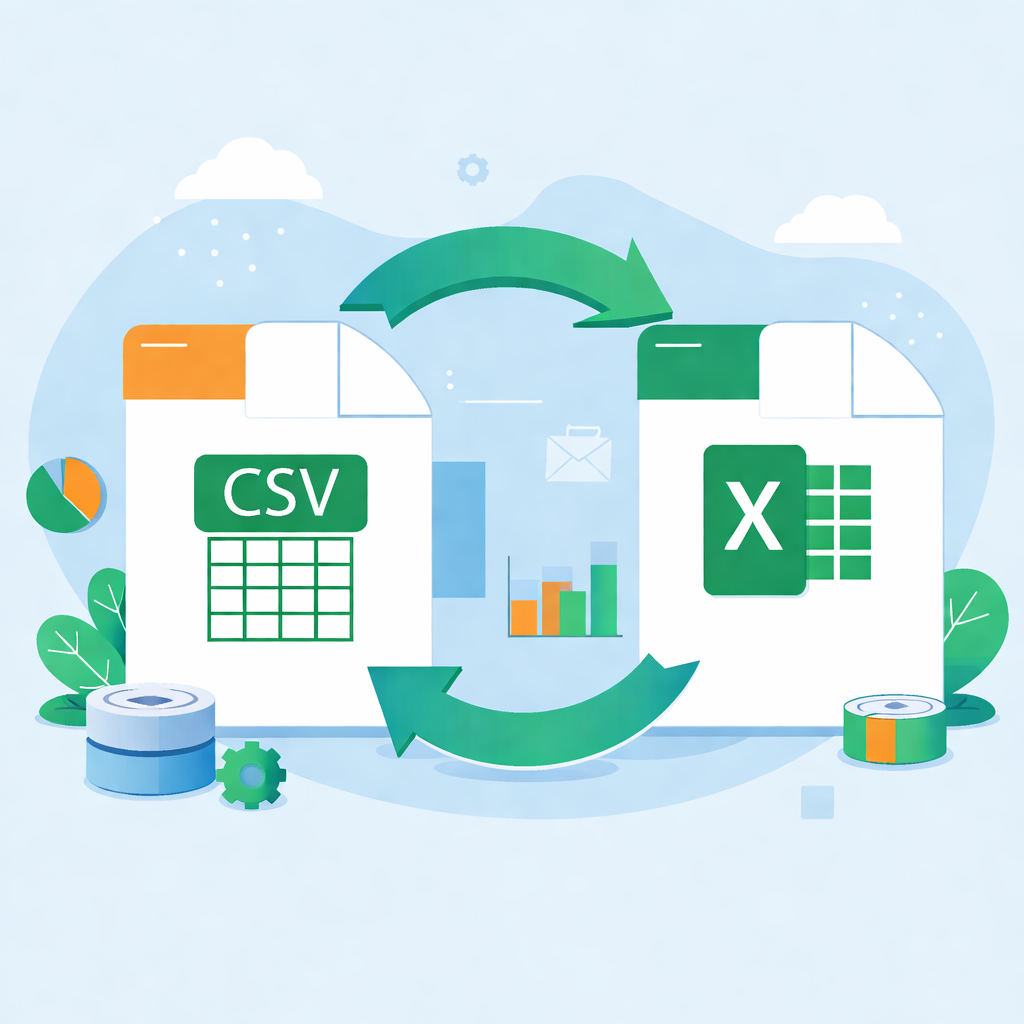
- Select conversion mode: CSV to XLSX or XLSX to CSV.
- **CSV to XLSX**: Enter or paste CSV content, set delimiter (or auto-detect), enter sheet name, and click 'Download XLSX'.
- **XLSX to CSV**: Click 'Choose XLSX file', select a sheet, set output delimiter, view preview, and click 'Copy CSV' or 'Download CSV'.
- Conversion happens entirely locally; no data privacy concerns.
Tips
- Supports auto-detection of common delimiters (comma, tab, semicolon, pipe).
- For large Excel files, the browser may freeze briefly; please wait.
- Ensure CSV format is correct, especially fields containing special characters (quotes, newlines).