Character sets
Charset size:
0
Preview
Note: Saved passwords are stored in your browser localStorage. Clear browser data to remove them.
Result
History (0)
No saved passwords yet
How to Use
- Set the password length (1-256) and quantity (1-200).
- Select desired character sets: Lowercase, Uppercase, Digits, Symbols.
- Optionally add custom characters or exclude specific ones (like ambiguous characters).
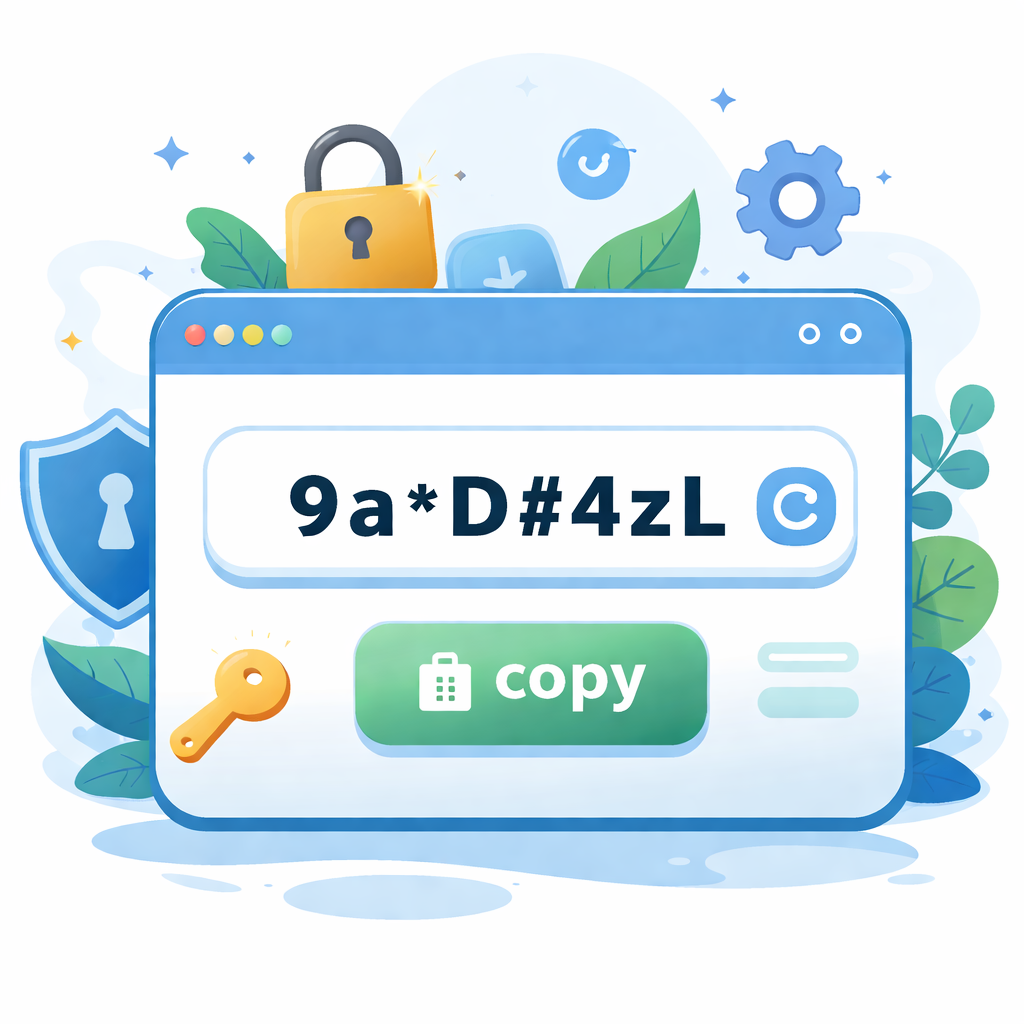
- Click 'Generate' to create passwords, which will appear in the result box on the right.
- Click 'Copy all' to copy all passwords at once, or use individual copy buttons.
Tips & Tricks
- Secure Generation: Uses the browser's native cryptographic random number generator (Web Crypto API) for high security.
- Local History: Generated passwords are auto-saved to local storage for convenience. Clear browser data to remove them.
- Avoid Ambiguity: Enable 'Exclude ambiguous' to prevent confusing characters like O/0, I/l/1 in your passwords.