Select audio file
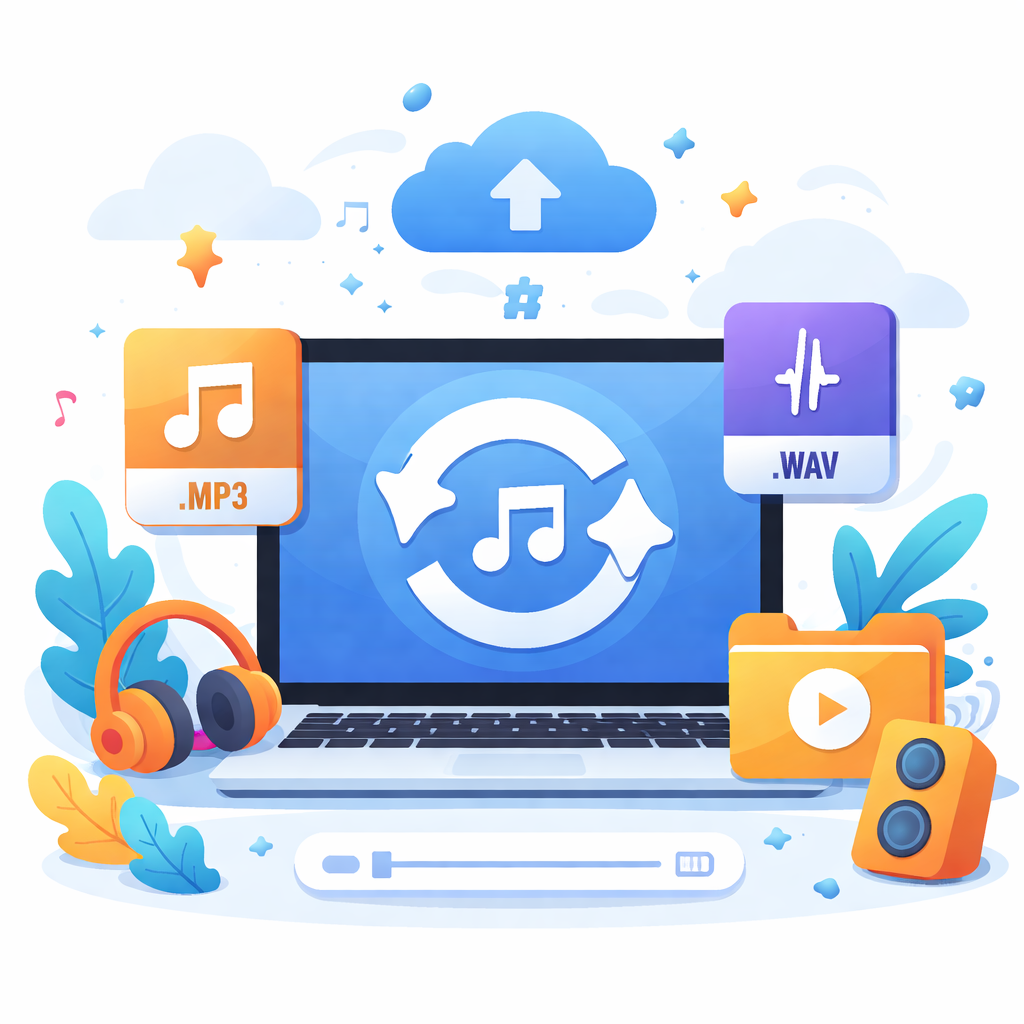
Audio format converter (MP3/WAV/FLAC/OGG/M4A/OPUS) with basic settings. Loads ffmpeg.wasm locally with no uploads.
Idle
File:
Metadata
How to Use
- Click 'Select audio file' to upload the file you wish to convert (supports MP3/WAV/FLAC/OGG/M4A/OPUS etc.).
- If this is your first time, click 'Load FFmpeg' and wait for it to be ready.
- Adjust the target output format, bitrate, sample rate, channels, and edit basic metadata (Title, Artist, Album) if needed.
- Click 'Convert' and wait for the progress bar to finish. Then, click 'Download' to save your new audio file.
Tips
- Runs entirely locally in your browser: saves data by not uploading files and ensures your privacy.
- Converting certain advanced audio codecs or high-bitrate lossless files might take longer. Please be patient.
FFmpeg logs